

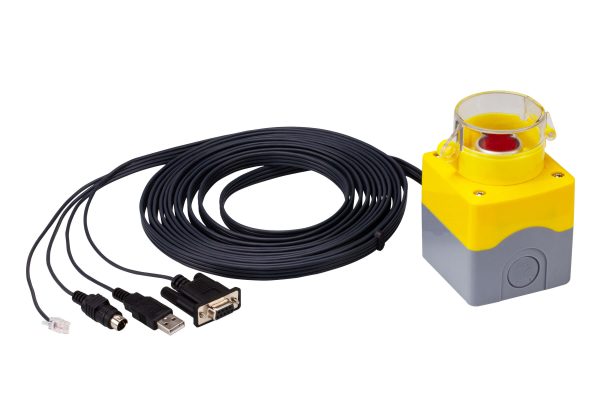
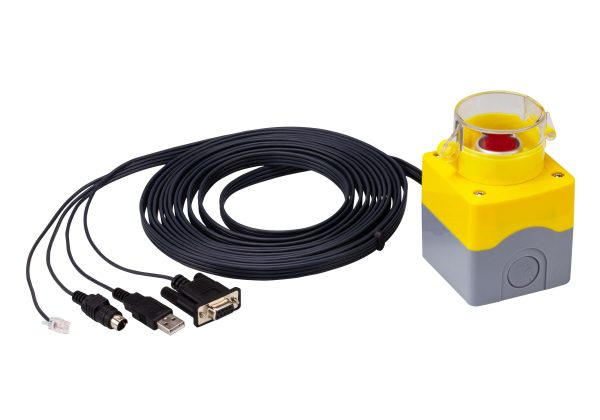
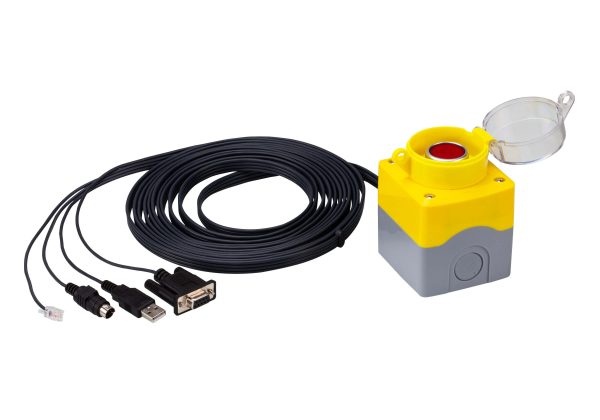
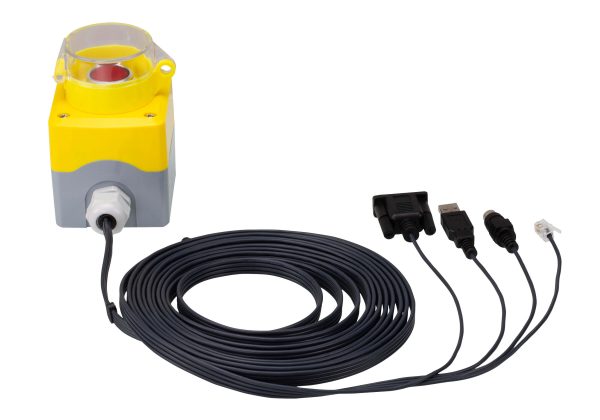
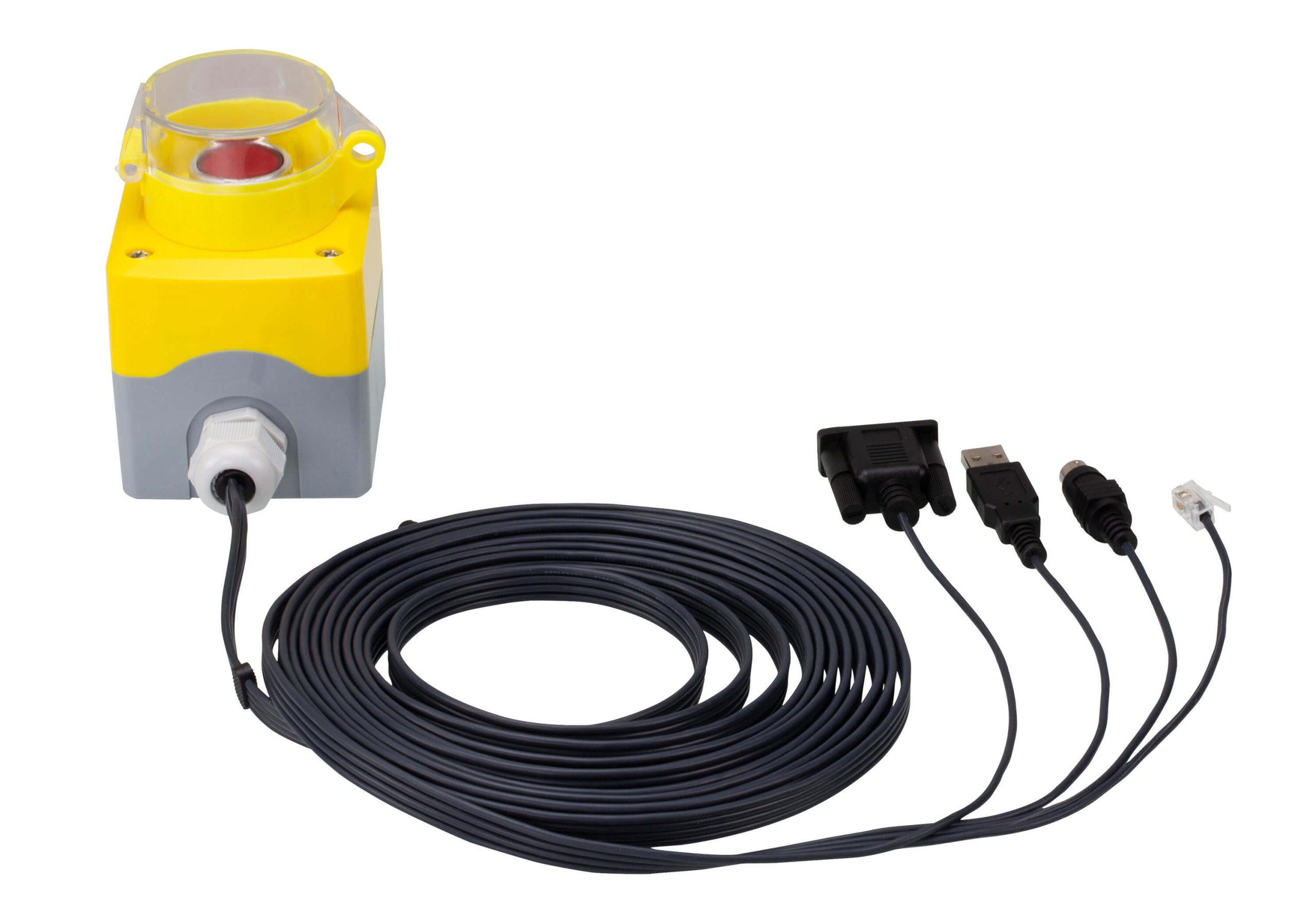
2XRT-0015G-KVM over IP Access Control Box
- Users at the Tx local console can enable / disable Rx control privilege by simply pressing a control button
- Plug-and-Play – no software installation required on either side
- USB bus-powered design – no external power adapter required
- Cable length reaches 5m for more flexible installation
- Mô tả
Mô tả
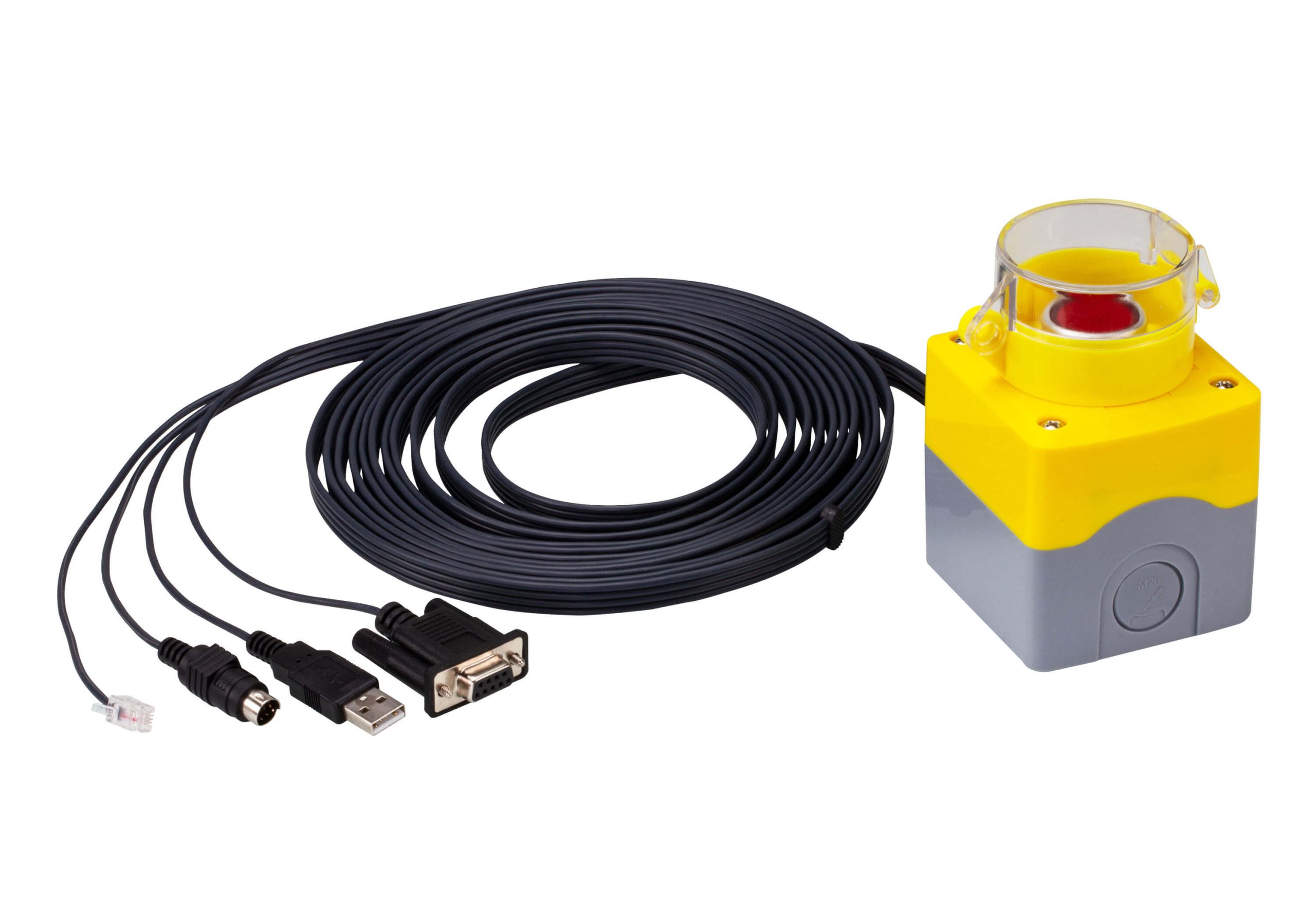
The 2XRT-0015G KVM over IP Access Control Box allows users to enable or disable remote over IP control privilege by simply pressing a control button. When installed with the KVM over IP Series1 Transmitter, the 2XRT-0015G allows users to quickly and effortlessly enable or disable control privilege from the Receiver, making operations only permitted to the user at the local console. 2
It’s fast and easy to set up the 2XRT-0015G. Simply plug the 2XRT-0015G’s cables to the KVM over IP transmitter3. There is no need to install software or configure devices – just plug and play. In addition, the cable length of the 2XRT-0015G reaches 5 meters, enabling connection to the transmitter over longer distances for more flexible installation.
Note:
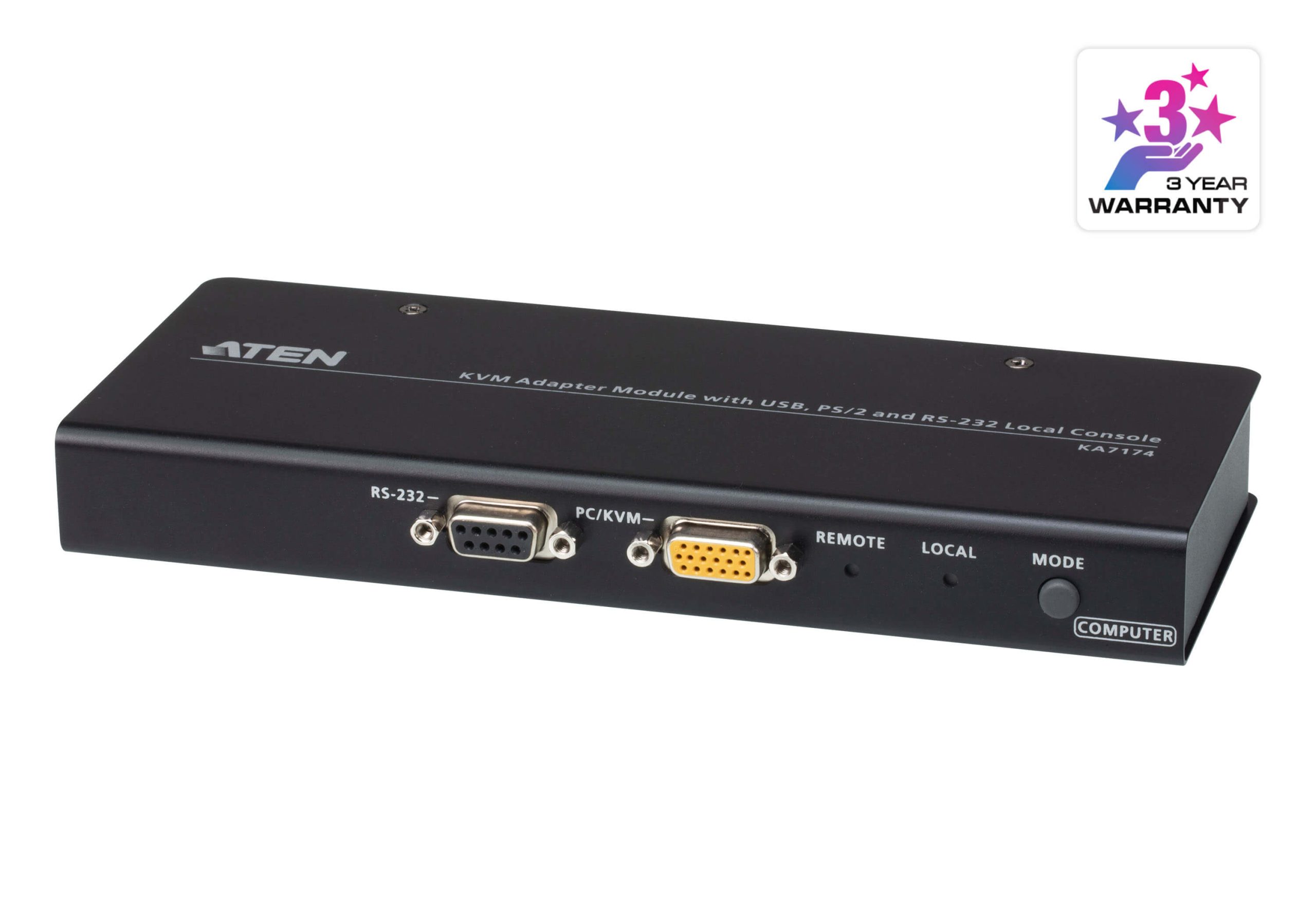
1. Please scroll down for more about compatible products.
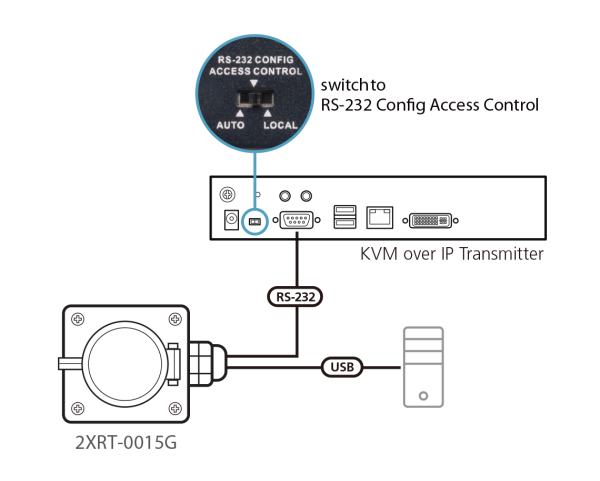
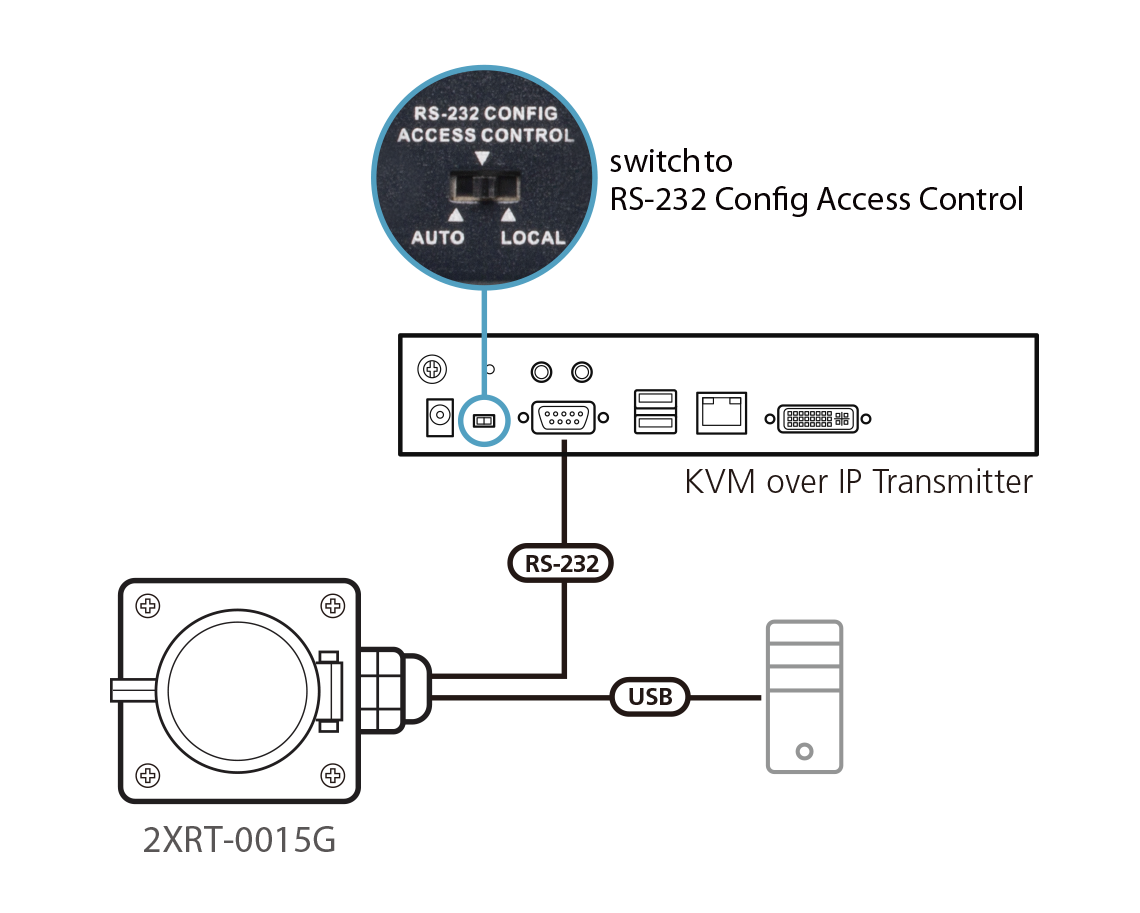
2. The slide switch on the rear side of the KVM over IP Transmitter needs to be switched to the RS-232 Config / Access Control position.
3. Connect the RS-232 connector of the 2XRT-0015G to the RS-232 Port of the KVM over IP Transmitter and connect the USB connector of the 2XRT-0015G to a computer for USB bus-power supply.
Package Contents
- 1x 2XRT-0015G KVM over IP Access Control Box
- 1x User Instructions
Features:
- Users at the Tx local console can enable / disable Rx control privilege by simply pressing a control button
- Plug-and-Play – no software installation required on either side
- USB bus-powered design – no external power adapter required
- Easy to operate
- Cable length reaches 5m for more flexible installation

| Function | 2XRT-0015G |
| Connectors | |
| Link | USB, PS/2, RJ-11, RS-232 |
| LEDs | |
| Status | Pressed: Red Light Released: Dim |
| Physical Properties | |
| Housing | Plastic |
| Weight | 0.43 kg ( 0.95 lb ) |
| Dimensions (L x W x H) | 7.20 x 10.39 x 11.00 cm (2.83 x 4.09 x 4.33 in.) |
| Note | For some of rack mount products, please note that the standard physical dimensions of WxDxH are expressed using a LxWxH format. |


